Ako sa zaregistrujem do služby KidLogger.net?
Zaregistroval som sa. Aký je ďalší krok?
Ako si prezerať denníky aktivít a správy na KidLogger.net?
Ako monitorovať viacero zariadení pomocou jedného účtu?
Ako nastaviť a odosielať e-mailové správy?
Ako stiahnuť záložnú kópiu nahraných údajov?
Ako stiahnuť kópiu údajov odoslaných na server
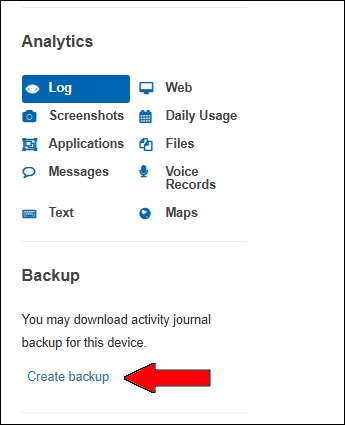
- Používatelia Standard a Professional môžu sťahovať zálohu odoslaných logov. Odkaz je pod tabuľkou analýzy.
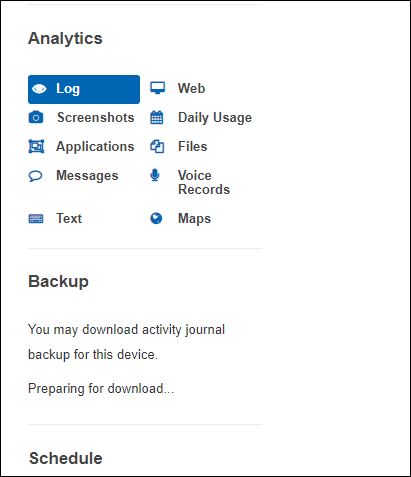
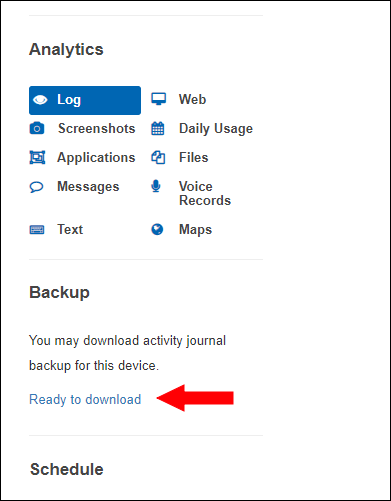
- Server pripravuje archív. Uvidíte Preparing for downloading... a potom Ready to Download.
Na stránke môžete súbory stiahnuť alebo zmazať.
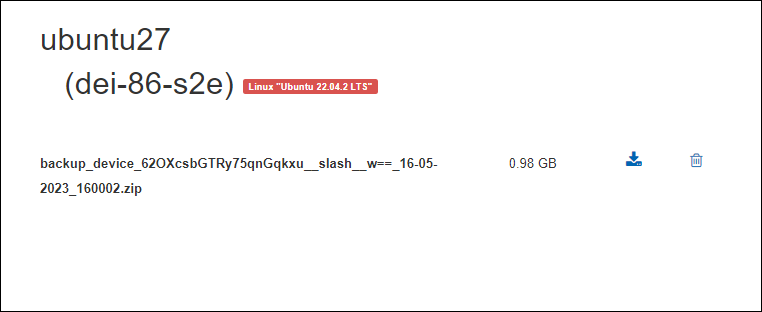
Súbor sa uchováva 5 dní. Pre novú zálohu zmažte starú.