KidLogger.net hizmetine nasıl kayıt olurum?
Kayıt oldum. Bir sonraki adım nedir?
KidLogger.net üzerindeki etkinlik günlüklerini ve raporları nasıl incelerim?
Tek bir hesap kullanarak birden fazla cihaz nasıl izlenir?
E-posta raporları nasıl ayarlanır ve gönderilir?
Yüklenen verilerin yedek kopyası nasıl indirilir?
Abonelik ödemesi nasıl yapılır?
Sunucuya Yüklenen Verilerin Kopyası Nasıl İndirilir?
- Standard veya Professional kullanıcılar gönderilen günlüklerin yedeğini indirebilir. Bağlantı analiz tablosunun altındadır.
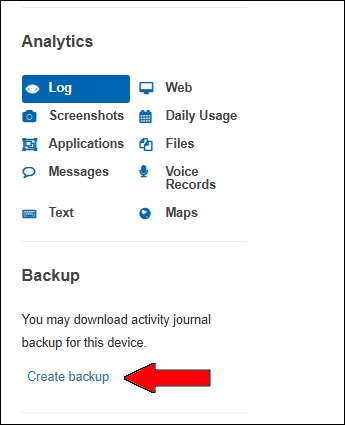
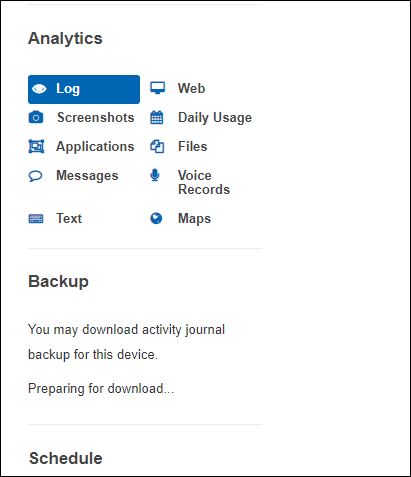
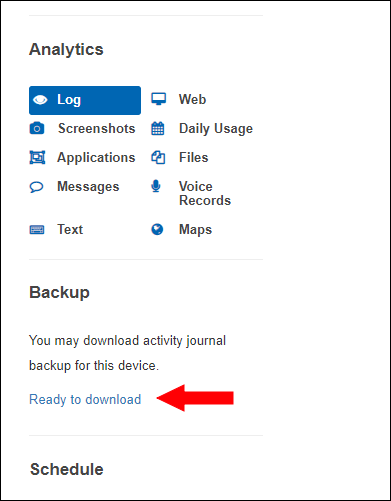
- Sunucu paketi hazırlar. Önce Preparing for downloading..., sonra Ready to Download görünür.
İndirme sayfasından dosyaları indirebilir veya silebilirsiniz.
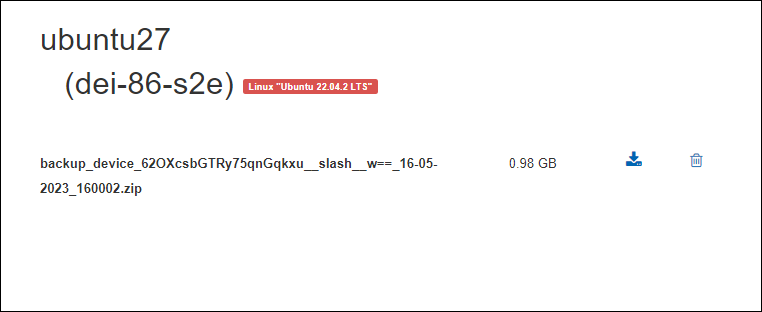
Dosya 5 gün saklanır. Yeni yedek için eskiyi silin.