¿Cómo me registro en el servicio KidLogger.net?
Me he registrado. ¿Cuál es el siguiente paso?
¿Cómo revisar los registros de actividad y los informes en KidLogger.net?
¿Cómo monitorear varios dispositivos con una sola cuenta?
¿Cómo configurar y enviar informes por correo electrónico?
¿Cómo descargar una copia de seguridad de los datos cargados?
Cómo descargar una copia de los datos subidos al servidor
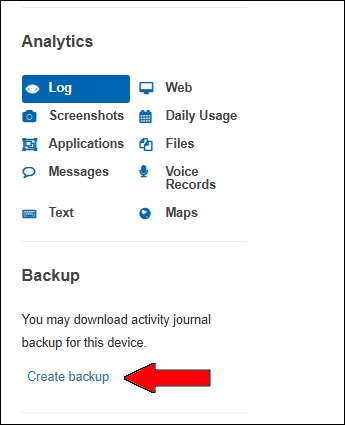
- Los usuarios Standard o Professional pueden descargar una copia de seguridad de todos los registros enviados. El enlace está debajo de la tabla de análisis.
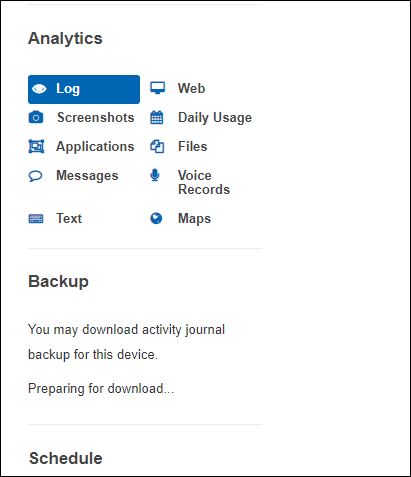
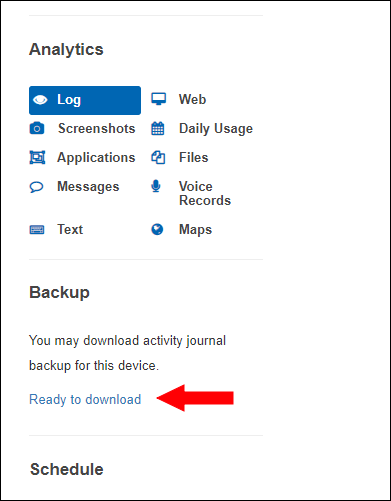
- El servidor prepara el paquete. Verá Preparing for downloading... y luego el enlace Ready to Download.
En la página de descarga puede bajar o borrar los archivos.
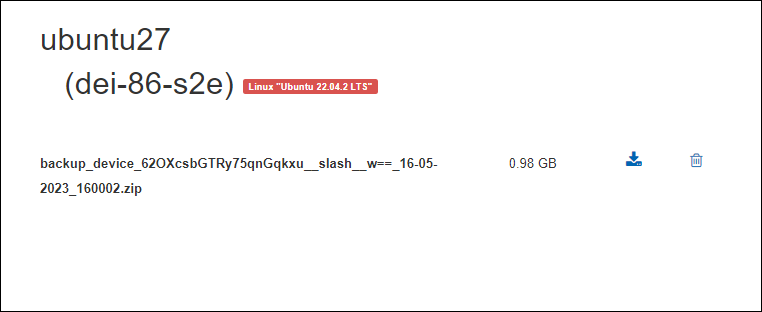
El archivo se guarda por 5 días. Para crear uno nuevo, borre el anterior.