Cybermobbing: Geschichten, die man nicht ignorieren darf
24.09.2025 Wir denken oft, dass die Welt hinter dem Bildschirm nur Spaß bedeutet — Chats, Spiele, Kreativität. Doch für viele Kinder und Jugendliche verbirgt der Online-Raum auch etwas sehr Ernstes: Cybermobbing. Im Folgenden finden Sie echte Fälle, die die Öffentlichkeit erschütterten, eine Erklärung, was Cybermobbing wirklich ist, wie Sie es bei Ihrem Kind erkennen können und welche praktischen Schritte Eltern heute unternehmen können.
Echte Geschichten
Read the rest of this entry »
KidLogger: Vom Überwachen zur sinnvollen familiären Verbindung
11.06.2025Wir überdenken das Konzept von KidLogger. Anstatt nur Aktivitäten zu verfolgen, entwickeln wir ein Tool, das die Kommunikation und Fürsorge innerhalb der Familie stärkt.
Derzeit in Entwicklung: der Parental Chat Assistant – kein gewöhnlicher Messenger, sondern ein privater, sicherer Raum ausschließlich für Gespräche zwischen Familienmitgliedern.
Was ihn besonders macht:
Read the rest of this entry »Der KidLogger-Server ist jetzt auch auf Hindi verfügbar!
05.06.2025 Hindi ist eine der am weitesten verbreiteten Sprachen weltweit, mit über 500 Millionen Sprechern, hauptsächlich in Indien und südasiatischen Ländern. Die Unterstützung von Hindi macht KidLogger für Millionen von Eltern und Lehrkräften, die sich um die Sicherheit von Kindern im digitalen Raum sorgen, noch zugänglicher.
Sie können die Website und das Kontrollpanel in Ihrer Muttersprache verwenden. Wählen Sie dazu einfach हिन्दी (Hindi) im Sprachmenü oben auf der Seite.
Vielen Dank für Ihr Vertrauen!
Ihr KidLogger.net-Team
Read the rest of this entry »Neue Version von KidLogger PRO für Android veröffentlicht (Unterstützt Android 14 und 15)
08.05.2025 Wir freuen uns, die Veröffentlichung der aktualisierten Version von KidLogger PRO für Android bekannt zu geben. Diese Version unterstützt nun Android 14 und 15. Die vorherige Version war nur mit Android 13 und früher kompatibel.
Hinweis: Dies ist eine Testversion. Einige Überwachungsfunktionen funktionieren möglicherweise nicht ordnungsgemäß, und es können Kompatibilitätsprobleme mit bestimmten Smartphone-Modellen auftreten.
Wir bitten Sie, die neue Version auf Ihren Geräten zu installieren und alle Überwachungsfunktionen zu testen, einschließlich der Protokollierung von Anrufen und Nachrichten, der Überwachung der App-Nutzung, der Standortverfolgung, der Erstellung von Bildschirmshots und anderer Funktionen.
Read the rest of this entry »Parental Chat Assistant ist jetzt im Play Market verfügbar
01.03.2025
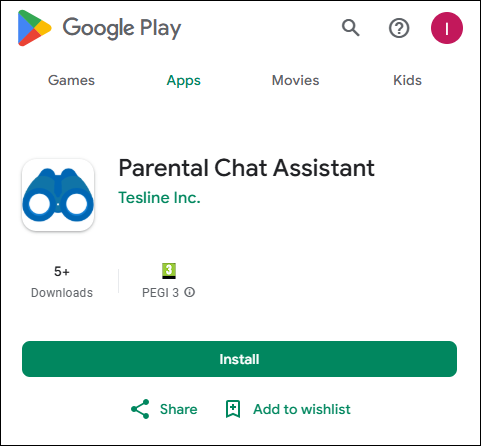 Das Programm Parental Chat Assistant ist jetzt für alle Nutzer im Google Play Market verfügbar. Sie können es jetzt auf Ihr Gerät installieren und für eine bequeme und sichere Kommunikation in der Familie nutzen.
Was ist neu?
- Einfache Installation über den Play Market
- Bequemer Chat mit Text, Stimme, Fotos und Videos
KidLogger für Ubuntu 22
08.01.2025Die neue Version des KidLogger-Agents wurde erfolgreich auf Ubuntu 22 getestet.
Damit sie funktioniert, müssen Sie Wayland unter Ubuntu 22.04 Desktop deaktivieren.
Wayland ist ein Kommunikationsprotokoll, das die Interaktion zwischen einem Anzeigeserver und seinen Clients regelt. Standardmäßig verwendet die GNOME-Oberfläche von Ubuntu 22.04 Jammy Jellyfish bereits Wayland, es ist jedoch auch möglich, stattdessen den Xorg-Anzeigeserver zu verwenden.
So deaktivieren Sie Wayland
So verhindern Sie, dass Antivirensoftware den Kidlogger-Agent auf Windows entfernt
19.12.2024Antivirensoftware ist wichtig, um Ihren Computer zu sichern. Manchmal entfernen diese Programme jedoch versehentlich nützliche Anwendungen wie den Kidlogger-Agent. Mit dem neuesten Update sind zusätzliche Schritte erforderlich, um sicherzustellen, dass der Agent ohne Störungen funktioniert. Folgen Sie dieser Anleitung, um Ihre Antivirensoftware richtig zu konfigurieren und Kidlogger reibungslos auszuführen
Read the rest of this entry »Parental Chat Assistant – Kommunikation ohne Grenzen für die ganze Familie!
16.12.2024
Parental Chat Assistant – bleiben Sie mit Ihren Liebsten in Verbindung!
SafeJKA ist bekannt für seine innovativen Lösungen im Bereich der elterlichen Kontrolle. Jetzt präsentieren wir Parental Chat Assistant (KidLogger PCA) – eine neue Generation von Kommunikationswerkzeugen für Familien.
In der modernen Welt helfen uns Technologien, in Kontakt zu bleiben, aber wie kann die Kommunikation zwischen Generationen bequem, einfach und angenehm gestaltet werden? Parental Chat Assistant wurde genau dafür entwickelt! Es hilft Eltern, Kindern und älteren Verwandten, sicher und effektiv zu kommunizieren.
Was können Sie mit Parental Chat Assistant tun?
- Spannende Aufgaben erstellen – senden Sie interessante Rätsel und Aufträge an Familienmitglieder.
- In einem praktischen Format kommunizieren – Text, Sprache, Fotos und Videos sind in einer App verfügbar.
- Den Fortschritt verfolgen – erhalten Sie Echtzeitberichte über erledigte Aufgaben.
- Familienmomente bewahren – der Chat speichert automatisch wichtige Fotos, Audiodateien und Videos.
- Einen intelligenten Assistenten nutzen – die KI schlägt Ideen für Gespräche und Aufgaben vor.
- Sicherheit gewährleisten – eine benutzerfreundliche Oberfläche für Kinder und ältere Menschen.
Werden Sie Teil der Testphase!
Parental Chat Assistant ist der nächste Schritt in Richtung intelligenter elterlicher Kontrolle. Seien Sie unter den Ersten, die dieses innovative Werkzeug ausprobieren!
Ich möchte an der Testphase teilnehmen!>>
Read the rest of this entry »Starten Sie einen lokalen Kinderschutz-Service in Ihrem Land mit KidLogger
30.11.2024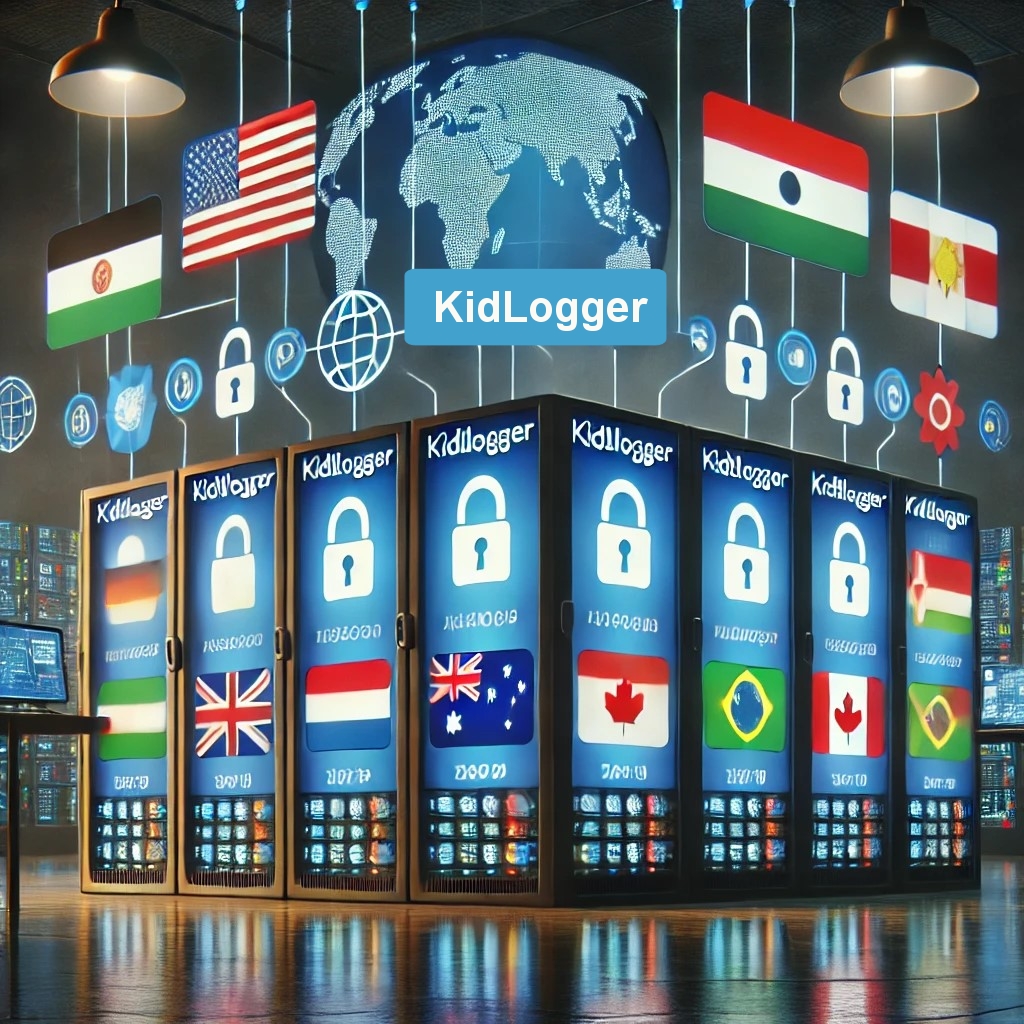
Möchten Sie Familien in Ihrem Land eine zuverlässige Lösung für Online-Kinderschutz bieten? KidLogger stellt einen lizenzierten Server mit vollständigen White-Label-Funktionen bereit.
Warum lohnt sich das für Sie?
- Komplette Anpassung: Personalisieren Sie die Benutzeroberfläche und integrieren Sie länderspezifische Funktionen.
- Rechtliche Konformität: Hosten Sie den Server lokal, um die Datenschutzgesetze Ihres Landes zu erfüllen.
- Neue Einnahmequelle: Starten Sie ein eigenes Kinderschutzgeschäft.
Wie man KidLogger auf Xiaomi, Redmi, Oppo und Poco für einen stabilen Betrieb konfiguriert
31.10.2024
Warum funktioniert KidLogger nicht auf Xiaomi, Redmi, Oppo und Poco?
Unsere Nutzer haben schon lange bemerkt, dass das Programm KidLogger auf Xiaomi Redmi, Oppo und Poco Smartphones stoppt.
Das liegt daran, dass MIUI auf günstigen Android-Telefonen Hintergrundprozesse zur Ressourcenschonung schließt.
Kürzlich haben wir einen Weg gefunden, einige Apps im Hintergrund festzulegen, um zu verhindern, dass das System sie schließt.
Hier finden Sie Anleitungen, Artikel und Ankündigungen über KidLogger SAS: welche neuen Funktionen wir implementiert haben, wie Sie KidLogger installieren und wie Sie die Benutzerüberwachung für verschiedene Plattformen wie Windows, Mac, Android einrichten.
Wir freuen uns über alle Vorschläge zur Verbesserung von KidLogger.
„Lassen Sie Kinder und Mitarbeiter niemals unbeaufsichtigt.“
Archive
Neueste Nachrichten
- 13 Okt.
- 29 Sep.
- 19 Sep.
- 10 Sep.
- 19 Juli
- 25 Juni
- 19 Juni
- 13 Juni
- 22 Mai
- 10 Feb.