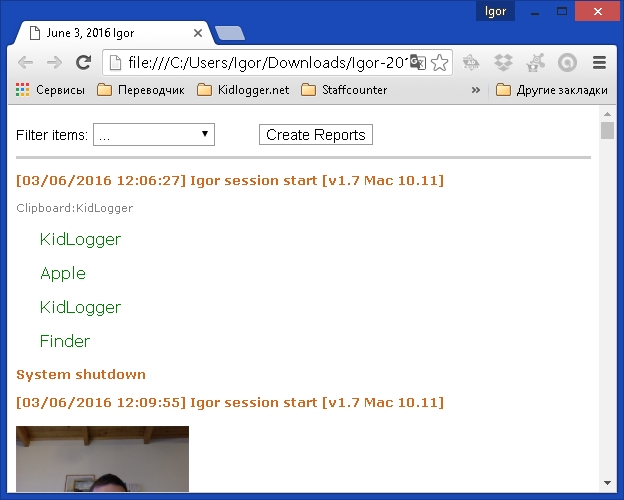
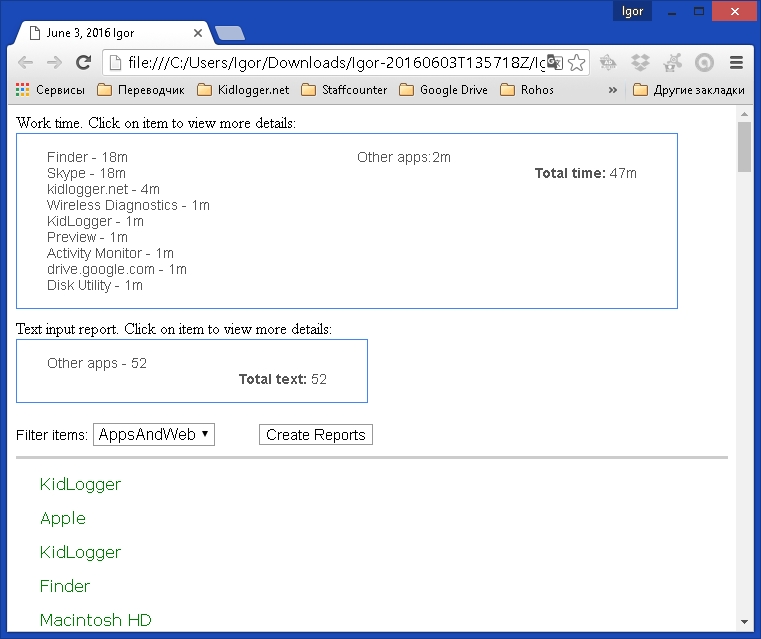
It is now possible to create local reports in Kidlogger for Mac OS. Click the View button in the main application window and you will see two small fields at the top of the log file:
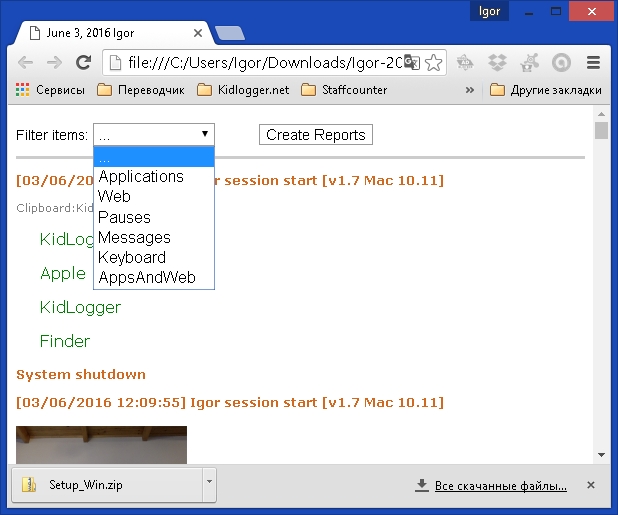
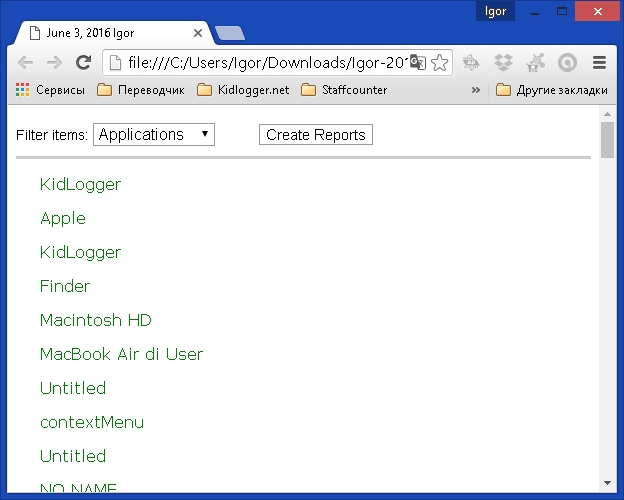
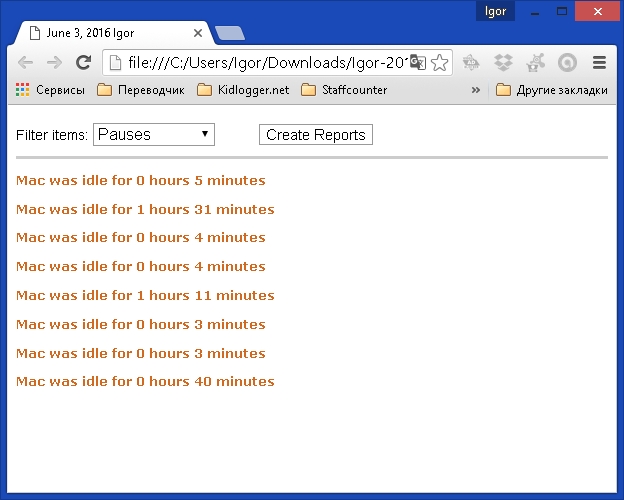
Here you can select what tracking you want to see: applications only, web use, pauses or keystrokes:
By clicking on the Create Report button, you obtain a small report about how long each application has been used.
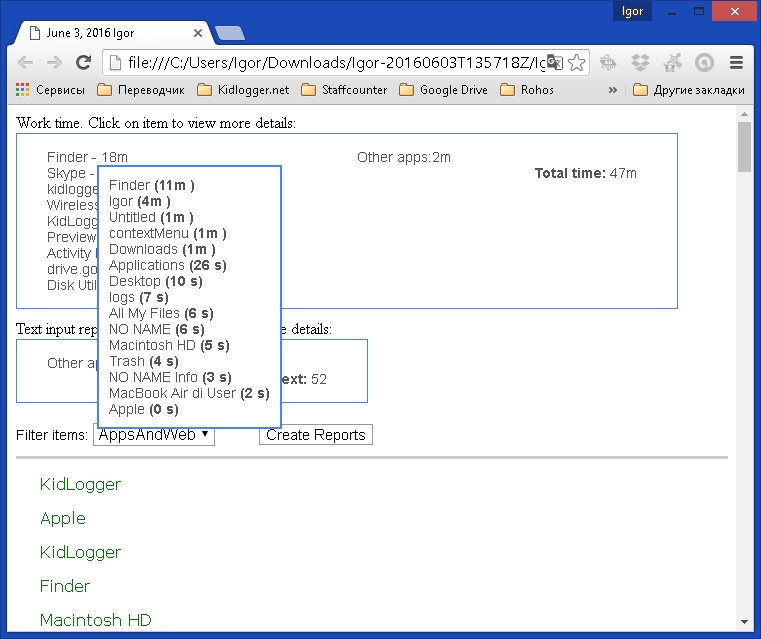
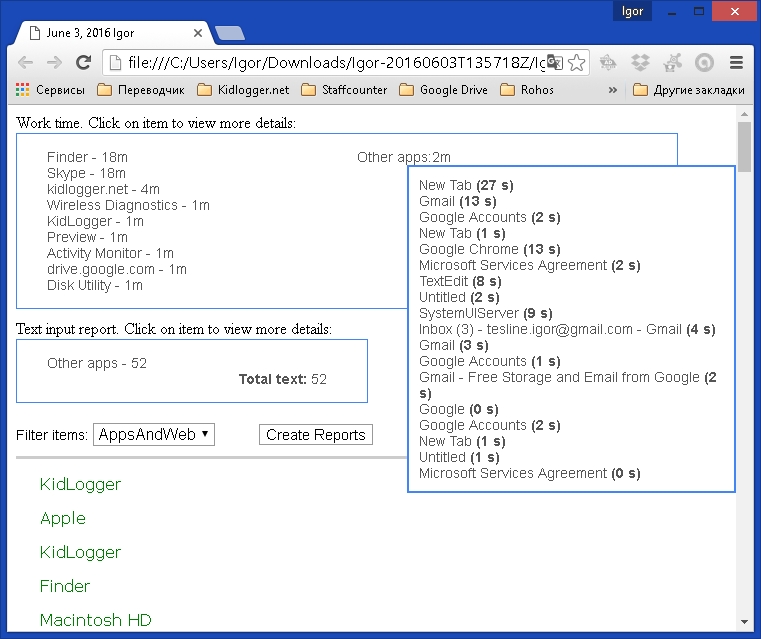
By moving the cursor over an application name, you can obtain a more detailed report:
Burada KidLogger SAS hakkında eğitimler, makaleler ve duyurular bulabilirsiniz: hangi yeni özellikleri eklediğimizi, KidLogger'ı nasıl kuracağınızı ve Windows, Mac, Android gibi farklı platformlarda kullanıcı takibini nasıl ayarlayacağınızı öğrenebilirsiniz.
KidLogger'ı geliştirme konusunda her türlü önerinizi duymaktan memnuniyet duyarız.