Control Panel
The Control Panel is your central dashboard for viewing all connected devices: computers, phones, tablets, and laptops. You can:
- Connect new devices;
- Install the KidLogger agent on your devices;
- Monitor activity status in real-time.
Device activity indicators:
- Green — the device is active (powered on and in use);
- Gray — the device is powered off or inactive.
By default, data is updated every 15 minutes (or more frequently). Increasing this interval may result in an inaccurate status display.
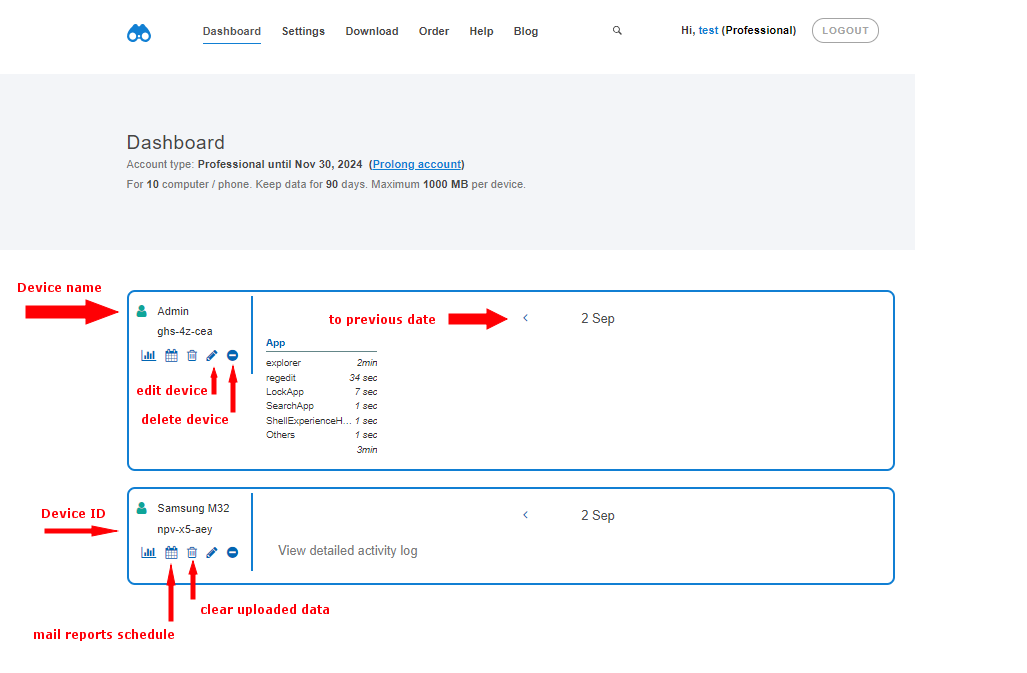
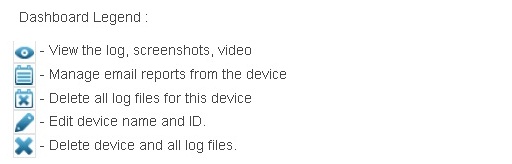
Device Name (ID) — the name of your Windows PC, Mac, or mobile device. You can change it to a more convenient name at any time.